

Technical SEO issues can quietly reduce your organic traffic, even when your content is useful, your keywords are well-researched, and your website looks professional. If search engines cannot crawl, render, understand, or index your pages correctly, your content may struggle to appear in search results.
In this guide, we’ll cover the most common technical SEO problems that can hurt organic visibility, including slow page speed, mobile usability issues, crawlability problems, duplicate content, weak site structure, missing structured data, poor URL structure, duplicate meta tags, HTTPS issues, and faulty redirects.
For a complete roadmap that connects indexing, schema, crawl errors, Core Web Vitals, and AI search visibility, start with the Technical SEO Hub.
Quick Answer
The most damaging technical SEO issues are the ones that block discovery, crawling, indexing, rendering, user experience, or page understanding. Start by checking Google Search Console, sitemap health, robots.txt, index coverage, crawl errors, redirects, Core Web Vitals, structured data, and internal links.
Technical SEO Issues Checklist
Before going into each issue in detail, use this checklist to understand which problems usually have the biggest impact and what to fix first.
| Technical SEO Issue | Why It Hurts SEO | What to Fix First |
|---|---|---|
| Indexing Problems | Pages cannot appear in Google if they are not indexed. | Check Google Search Console, sitemap, noindex, canonicals, and internal links. |
| Crawl Errors | Google may fail to access important pages. | Fix 404s, 5xx errors, redirect chains, and blocked resources. |
| Slow Page Speed | Slow pages reduce user experience and crawl efficiency. | Improve server response, image size, caching, and Core Web Vitals. |
| Broken Redirects | Redirect loops and chains waste crawl budget and confuse Google. | Use clean 301 redirects to one final URL. |
| Weak Internal Linking | Important pages may look low-priority or become orphan pages. | Add contextual links from relevant indexed pages and hub pages. |
| Missing Structured Data | Search engines may understand the page less clearly. | Add relevant schema for articles, breadcrumbs, FAQs, products, and organization data. |
1. Slow Page Load Speed

Page speed affects how users experience your website and how efficiently search engines can crawl it. Slow pages increase friction, reduce engagement, and make it harder for users to complete actions such as reading, signing up, or buying.
Speed should not be treated as a single score. You should evaluate loading performance, interactivity, and layout stability through Core Web Vitals, including Largest Contentful Paint, Interaction to Next Paint, and Cumulative Layout Shift.
How to diagnose page speed issues
Use tools such as Google PageSpeed Insights, Lighthouse, Chrome DevTools, and real-user monitoring to understand how your pages perform across devices and networks.
Check for:
- Large uncompressed images.
- Slow server response time.
- Render-blocking CSS and JavaScript.
- Unoptimized fonts.
- Too many third-party scripts.
- Poor caching configuration.
- Layout shifts caused by images, ads, or dynamic elements.
How to fix slow pages
- Compress images and use modern formats such as WebP or AVIF.
- Lazy-load offscreen images and videos.
- Minify and defer non-critical JavaScript.
- Use caching and a CDN where appropriate.
- Improve hosting and server response time.
- Preload important assets such as hero images and key fonts.
- Reduce unnecessary third-party scripts.
Site speed, crawl errors, and indexing issues often work together to affect organic rankings and search visibility. Learn more in this guide about site speed, crawl errors, and indexing issues.
2. Non-Mobile-Friendly Website
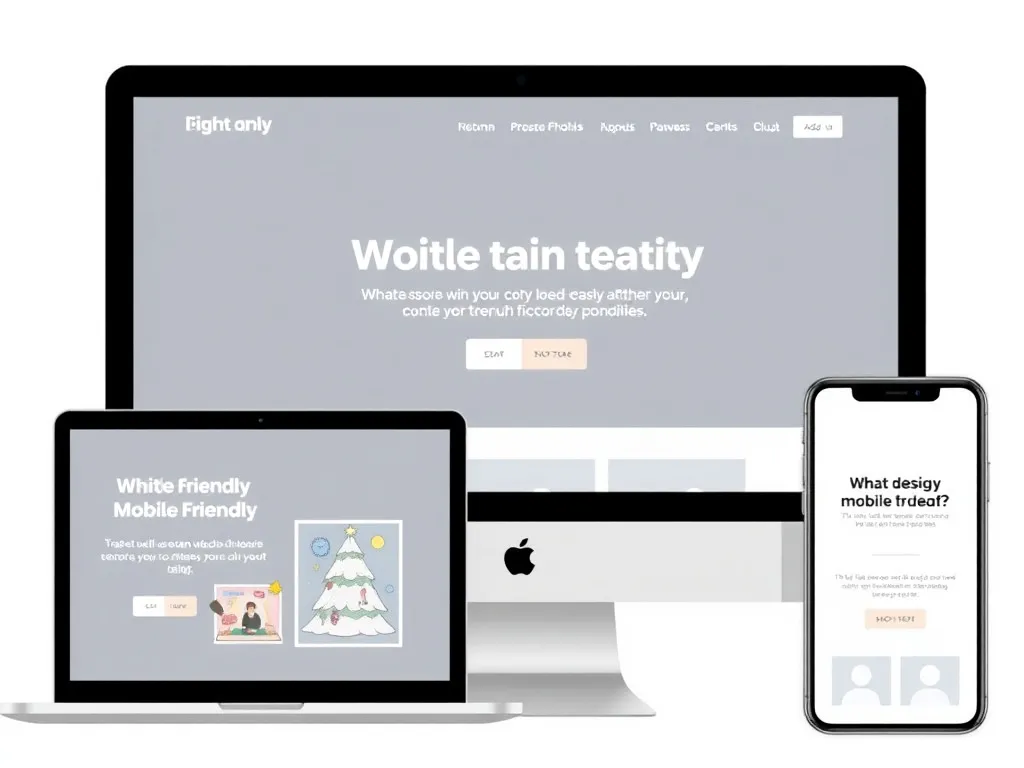
A poor mobile experience can reduce engagement, increase bounce rates, and make your content harder to use. Since many users search and browse from mobile devices, your mobile version must be fast, readable, accessible, and complete.
Mobile SEO is not only about responsive design. It also includes content parity, tap target spacing, readable fonts, stable layouts, clean navigation, and avoiding intrusive elements that block the main content.
Common mobile SEO problems
- Text that is too small to read.
- Buttons and links placed too close together.
- Horizontal scrolling.
- Heavy images and scripts on mobile.
- Important content missing from the mobile version.
- Popups that block the main content.
- Slow mobile loading performance.
How to improve mobile usability
- Use responsive layouts and flexible grids.
- Set a correct viewport meta tag.
- Use readable font sizes and clear spacing.
- Make buttons easy to tap.
- Keep important content visible on mobile.
- Test pages on real devices, not only desktop emulators.
- Review mobile performance in Search Console and PageSpeed Insights.
3. Poor Crawlability

Crawlability refers to how easily search engines can access and explore your website. If important pages are blocked, buried too deep, missing from internal links, or difficult to render, Google may not discover or evaluate them properly.
A technical SEO audit should always start with checking whether Google can discover, crawl, and index your important pages.
Common crawlability issues
- Important pages blocked in robots.txt.
- Broken internal links.
- Orphan pages with no internal links.
- Deep pages that require too many clicks to reach.
- Redirect chains and loops.
- Server errors.
- Important links loaded only through JavaScript.
How to improve crawlability
- Create a clean internal linking structure.
- Link important pages from hub pages and related articles.
- Keep important pages within a few clicks of the homepage.
- Fix broken links and unnecessary redirects.
- Submit a clean XML sitemap.
- Check server logs to understand Googlebot behavior.
- Make key links available in crawlable HTML.
If your pages are discovered or crawled but not indexed, follow this guide to fix Google indexing issues in Search Console.
4. Duplicate Content Issues
Duplicate content can confuse search engines and split ranking signals across multiple URLs. It can also waste crawl budget and make it harder for Google to decide which version should appear in search results.
Duplicate content does not always mean copied content. It can also come from technical URL variations, filters, parameters, trailing slash differences, HTTP and HTTPS versions, or similar product and category pages.
Common duplicate content causes
- URL parameters for sorting, tracking, or filtering.
- HTTP and HTTPS versions accessible separately.
- www and non-www versions.
- Trailing slash inconsistencies.
- Printer-friendly pages.
- Product variants with minimal differences.
- Repeated boilerplate content across many pages.
How to fix duplicate content
- Use canonical tags to identify the preferred URL.
- Redirect duplicate versions to the main version when appropriate.
- Avoid linking internally to parameterized duplicates.
- Consolidate weak pages that target the same search intent.
- Use self-referencing canonicals on canonical pages.
- Keep sitemaps limited to canonical, indexable URLs.
<link rel="canonical" href="https://example.com/main-page/" />
5. Unoptimized Site Structure
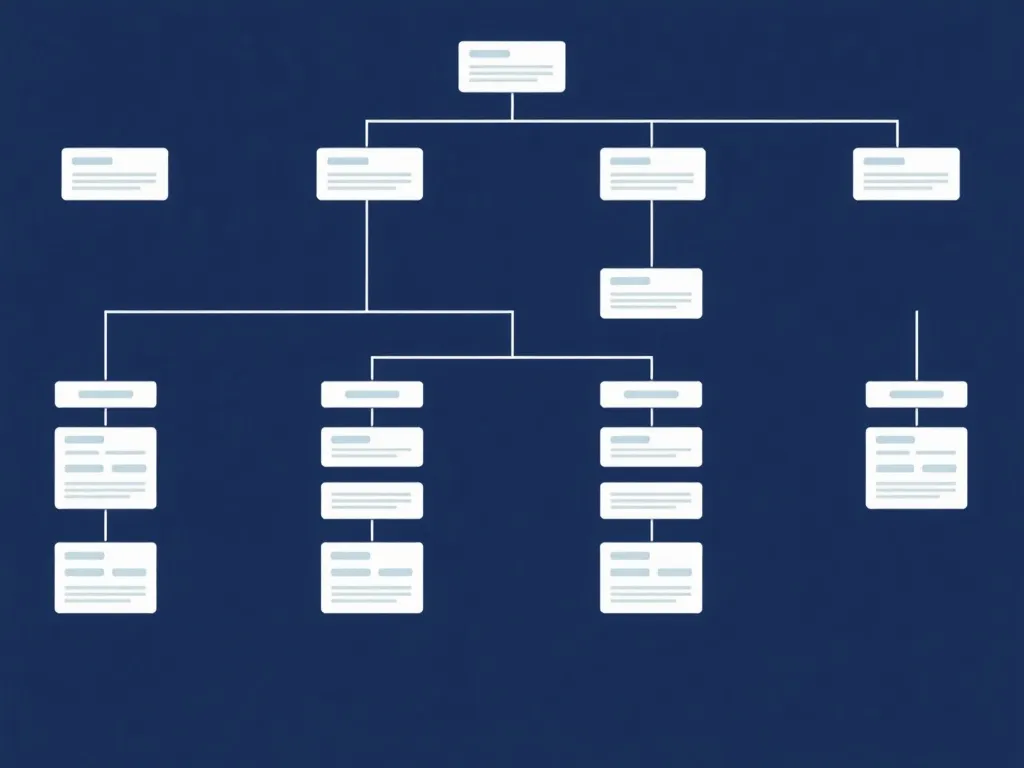
A weak site structure can bury important content and make it difficult for users and search engines to understand your website. If key pages are not connected to relevant sections, Google may treat them as less important.
Strong site structure supports topical authority, internal linking, user experience, and crawl efficiency. It also helps search engines understand which pages are hubs and which pages are supporting content.
What a strong site structure looks like
- Homepage links to important hubs.
- Hub pages link to related supporting articles.
- Supporting articles link back to the hub.
- Related articles link to each other contextually.
- Breadcrumbs clarify page hierarchy.
- Important pages are not buried too deeply.
For example, a technical SEO cluster should connect pages about indexing, crawl errors, structured data, Core Web Vitals, page speed, internal linking, and AI search visibility. This is exactly why a Technical SEO Hub helps organize the topic more clearly.
How to improve site structure
- Create hub pages for important topics.
- Group related articles into clusters.
- Add contextual internal links inside article content.
- Use categories only when they help users and search engines.
- Avoid orphan pages.
- Review internal links regularly after publishing new content.
6. Missing or Improper Structured Data
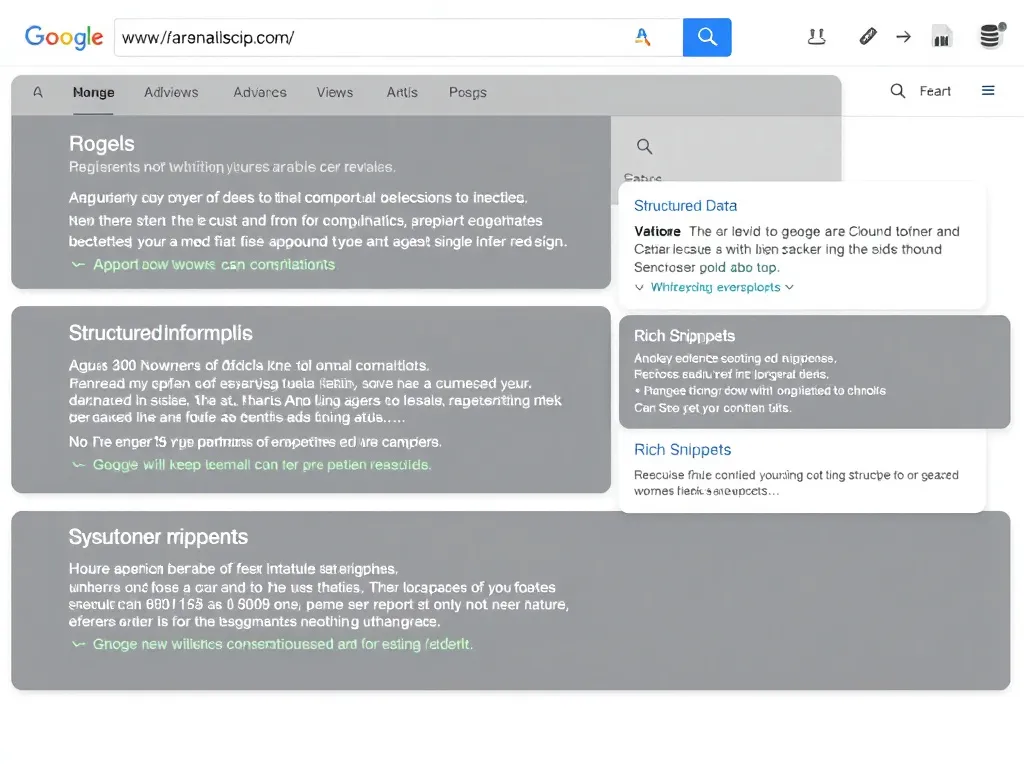
Structured data, also known as schema markup, helps search engines understand your content more clearly. It can provide additional context about articles, products, FAQs, breadcrumbs, reviews, organizations, software applications, and other page types.
Structured data problems can reduce how clearly Google understands your pages, especially for articles, products, FAQs, breadcrumbs, and software pages.
Common structured data mistakes
- Using schema that does not match the visible page content.
- Missing required or recommended properties.
- Using outdated schema templates.
- Adding FAQ schema where there is no visible FAQ content.
- Marking up fake reviews or misleading ratings.
- Breaking structured data during theme or plugin updates.
How to fix structured data issues
- Use JSON-LD where possible.
- Match schema to visible content.
- Use Article or BlogPosting schema for blog posts.
- Use Breadcrumb schema for navigation hierarchy.
- Use Organization schema to strengthen brand entity signals.
- Use Product or SoftwareApplication schema where relevant.
- Validate markup with testing tools before publishing.
7. Inadequate URL Structure

URLs should be clean, descriptive, consistent, and easy to understand. Poor URL structure can make pages look unclear to users and search engines, especially when URLs contain unnecessary parameters, random numbers, or inconsistent formatting.
Examples of weak URL structure
/post?id=12345/category/page/seo/article/final-v2/SEO_Tips_For_Google/page?sort=price&color=blue&session=123
Best practices for SEO-friendly URLs
- Use short, readable slugs.
- Use hyphens instead of underscores.
- Keep important keywords where natural.
- Avoid unnecessary parameters for indexable pages.
- Use lowercase URLs consistently.
- Choose one trailing slash policy and keep it consistent.
- Redirect old URLs when changing slugs.
Clean URLs are especially important during site migrations, language structure changes, and content updates. When URLs change, use 301 redirects and update internal links to point directly to the new final URL.
8. Missing or Duplicate Meta Tags
Title tags and meta descriptions help communicate the purpose of each page to users and search engines. Missing, duplicated, or weak metadata can reduce click-through rates and create confusion about which page should rank for which query.
Common meta tag problems
- Multiple pages with the same title tag.
- Generic titles such as “Home” or “Blog.”
- Titles that are too long or too vague.
- Missing meta descriptions.
- Descriptions that do not match the page content.
- Over-optimized titles with keyword stuffing.
How to improve meta tags
- Write a unique title tag for every important page.
- Match the title to the search intent.
- Include the primary topic naturally.
- Make descriptions clear, useful, and click-worthy.
- Avoid duplicating the same metadata across many URLs.
- Review Search Console CTR to identify weak snippets.
Meta tags do not solve technical SEO alone, but they help turn impressions into clicks once your pages are indexed and visible.
9. Security Issues and HTTPS Problems

HTTPS is important for trust, security, and modern web performance. If your website has mixed content, expired certificates, incorrect redirects, or HTTP and HTTPS versions available at the same time, users and search engines may receive inconsistent signals.
Common HTTPS issues
- Expired SSL certificates.
- HTTP pages still accessible without redirecting to HTTPS.
- Mixed content from images, scripts, or stylesheets loaded over HTTP.
- Canonical tags still pointing to HTTP URLs.
- Sitemaps containing HTTP URLs.
- Internal links using old HTTP versions.
How to fix HTTPS issues
- Install and renew SSL certificates correctly.
- Redirect HTTP to HTTPS with 301 redirects.
- Update canonical tags to HTTPS URLs.
- Update XML sitemaps and robots.txt sitemap references.
- Fix mixed content issues.
- Update internal links to point directly to HTTPS URLs.
10. Faulty Redirects
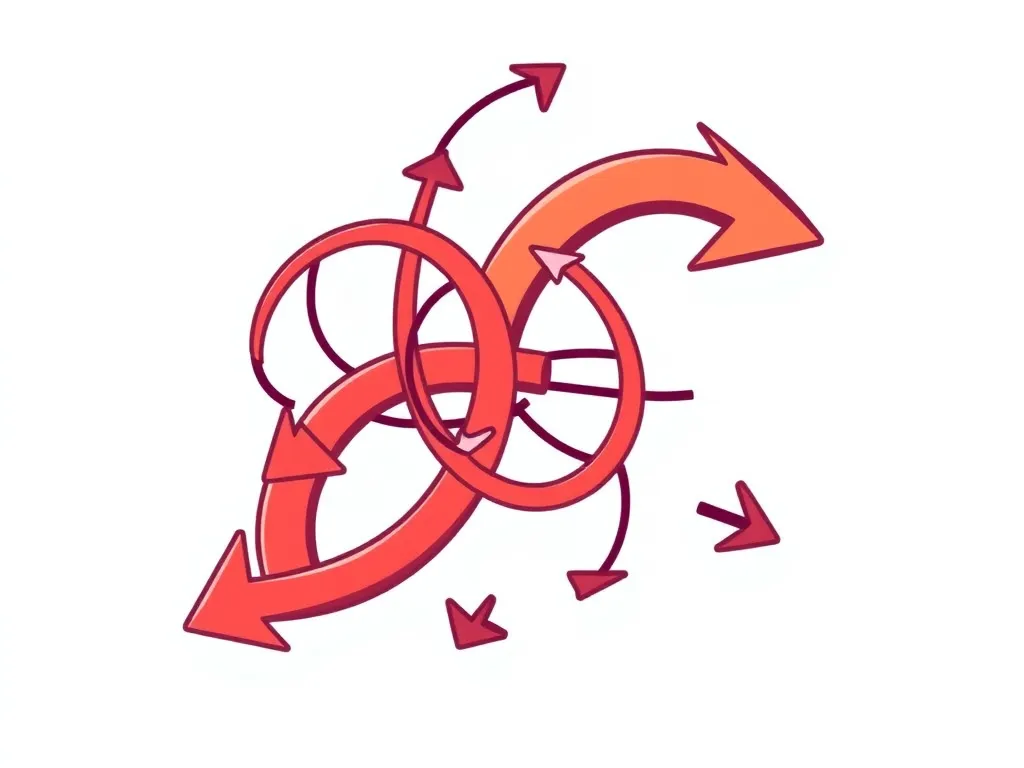
Redirects are useful when content moves, URLs change, or pages are consolidated. But faulty redirects can create crawl waste, slow down users, confuse search engines, and prevent important pages from being indexed correctly.
Common redirect problems
- Redirect loops.
- Redirect chains.
- Redirects to irrelevant pages.
- Old URLs redirecting to 404 pages.
- Temporary redirects used for permanent changes.
- Internal links pointing to redirected URLs instead of final URLs.
How to fix redirect issues
- Use 301 redirects for permanent URL changes.
- Redirect old pages to the closest relevant new page.
- Avoid redirecting unrelated pages to the homepage.
- Reduce redirect chains to one step where possible.
- Make sure the final destination returns a 200 response.
- Update internal links to point directly to the final URL.
If a page was intentionally removed and has no relevant replacement, it may be better to return a proper 404 or 410 instead of forcing an irrelevant redirect.
Technical SEO and AI Search Visibility
Technical SEO is not only important for traditional Google rankings. It also supports visibility in AI-driven search experiences. If your pages are difficult to crawl, poorly structured, missing context, or blocked from indexing, AI systems may struggle to understand and cite them.
AI search visibility also depends on clean technical SEO, crawlability, and structured content. If this is a priority for your website, read this guide on how to optimize your website for ChatGPT, Perplexity, and Google AI Overviews.
Technical SEO Issues FAQs
What are technical SEO issues?
Technical SEO issues are problems that prevent search engines from discovering, crawling, rendering, understanding, or indexing your website correctly. Common examples include indexing errors, crawl issues, broken redirects, slow pages, missing schema, and poor internal linking.
Can technical SEO issues reduce organic traffic?
Yes. If Google cannot crawl or index important pages, or if the site is slow, poorly structured, or full of errors, organic visibility can decline even when the content is strong.
Which technical SEO issue should I fix first?
Start with issues that block visibility directly: noindex mistakes, robots.txt blocks, sitemap problems, important 404s, redirect errors, and pages that are discovered or crawled but not indexed.
How often should I audit technical SEO?
For active websites, review technical SEO at least monthly. Also audit after migrations, redesigns, plugin updates, URL changes, or major content publishing.
Do Core Web Vitals affect technical SEO?
Yes. Core Web Vitals are part of page experience and help evaluate loading performance, responsiveness, and visual stability. They should be reviewed alongside crawlability, indexing, and site structure.
How do internal links help technical SEO?
Internal links help search engines discover important pages, understand topic relationships, and evaluate page importance. Strong internal linking also reduces the risk of orphan pages and supports faster discovery.
Conclusion
Technical SEO is the foundation that allows your content to perform. If your website is slow, hard to crawl, poorly structured, missing schema, blocked by technical rules, or full of redirect problems, your organic growth will be limited.
The best approach is to fix technical SEO issues in order of impact. Start with the problems that stop visibility completely, such as indexing blocks, robots.txt mistakes, noindex errors, broken redirects, important 404s, and sitemap problems. Then improve site speed, Core Web Vitals, structured data, internal links, and site architecture.
For a complete technical SEO roadmap, visit the Technical SEO Hub. It connects indexing, schema markup, crawl errors, Core Web Vitals, AI search visibility, and site structure into one practical SEO system.
Explore the Technical SEO Hub or see how Hunnt AI helps teams improve SEO workflows.